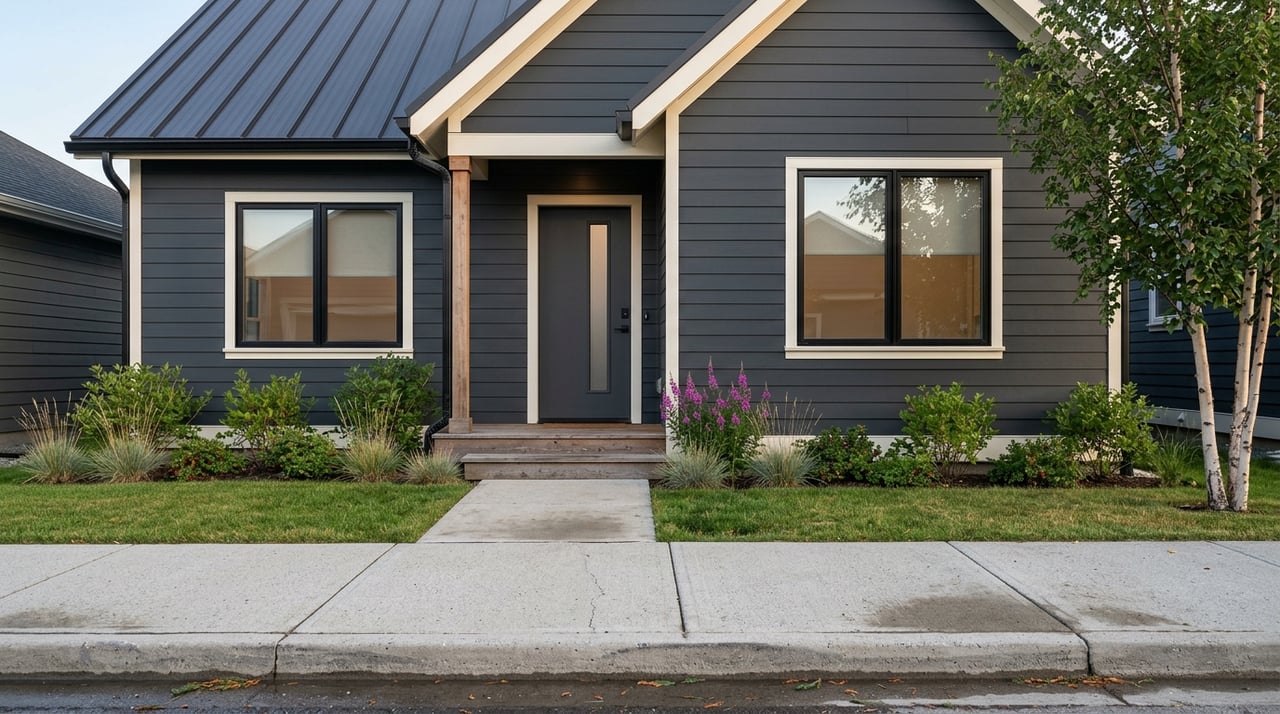
You can work from anywhere, but can your internet keep up with your career when the view is Kachemak Bay? If you’re dreaming about buying in Homer while keeping your remote job, you’re not alone. You want reliable connectivity, a quiet workspace, and a home that runs smoothly through long winters and bright summers. This guide shows you how to vet a Homer home for remote work, from internet checks to utilities, access, and hazards, with a simple checklist to use at showings. Let’s dive in.
Why Homer fits remote life
Homer is a small coastal city at the end of the road on the southern Kenai Peninsula, known for fishing, arts, and sweeping bay and mountain views. You’ll find essential services in town, including grocery, hardware, and shipping options, plus a full-service hospital at South Peninsula Hospital. Expect a quieter pace than Anchorage, with enough infrastructure to support daily life.
The climate is maritime. Winters are milder than much of interior Alaska and summers are cool. Plan for a heating-dominated home and steady precipitation through the year. The City of Homer’s facts and figures page is a good place to review climate context as you evaluate build quality and utilities.
Internet options in Homer
Remote work starts with a dependable connection. Availability varies by neighborhood and even by parcel, so verify every property specifically.
- Cable or fiber: GCI is the major wired provider in much of town. Plans can be very fast where service is available, but rural parcels may not have a drop. Start by checking GCI internet plans, then confirm service at the address.
- Fixed wireless: Local wireless ISPs can deliver strong speeds to properties with line of sight to their towers. Coverage is patchy and very address specific.
- Satellite: Starlink is widely used for remote homes and can be a strong primary or backup. Geostationary options like Viasat and HughesNet exist, but usually have higher latency and tighter data policies.
- Cellular home internet: AT&T, Verizon, and others serve parts of Homer. Performance depends on elevation, trees, and exact location.
Verify real performance
For video calls and VPNs, upload matters more than most people expect.
- Upload speed: Aim for at least 5 to 10 Mbps per heavy user. More if you host meetings, share large files, or stream.
- Latency: Lower is better for Zoom and remote desktop. Cable, fiber, and Starlink generally beat legacy satellite.
- Data policies: Ask about data caps, throttling, or “fair use” rules that could slow you down mid‑month.
Confirm at the listing
Before you fall in love with the view, confirm the wires.
- Ask the listing agent which providers will provision the address and whether there is an active cable or fiber drop to the house. Use the BroadbandMap Homer lookup for a first pass.
- Request a recent, wired speed test from inside the home. A screenshot from a desktop connected by Ethernet is best.
- Check the home’s network readiness: Is there a clean spot for the modem and router? Are there Ethernet runs to the office?
- Plan redundancy: Confirm whether a Starlink dish can see the sky from the roof or yard, and test cell signal for a mobile hotspot. A small UPS can keep your router alive during short outages.
Workspace-ready home features
A great remote-work home is more than a fast modem. It should help you work comfortably and focus.
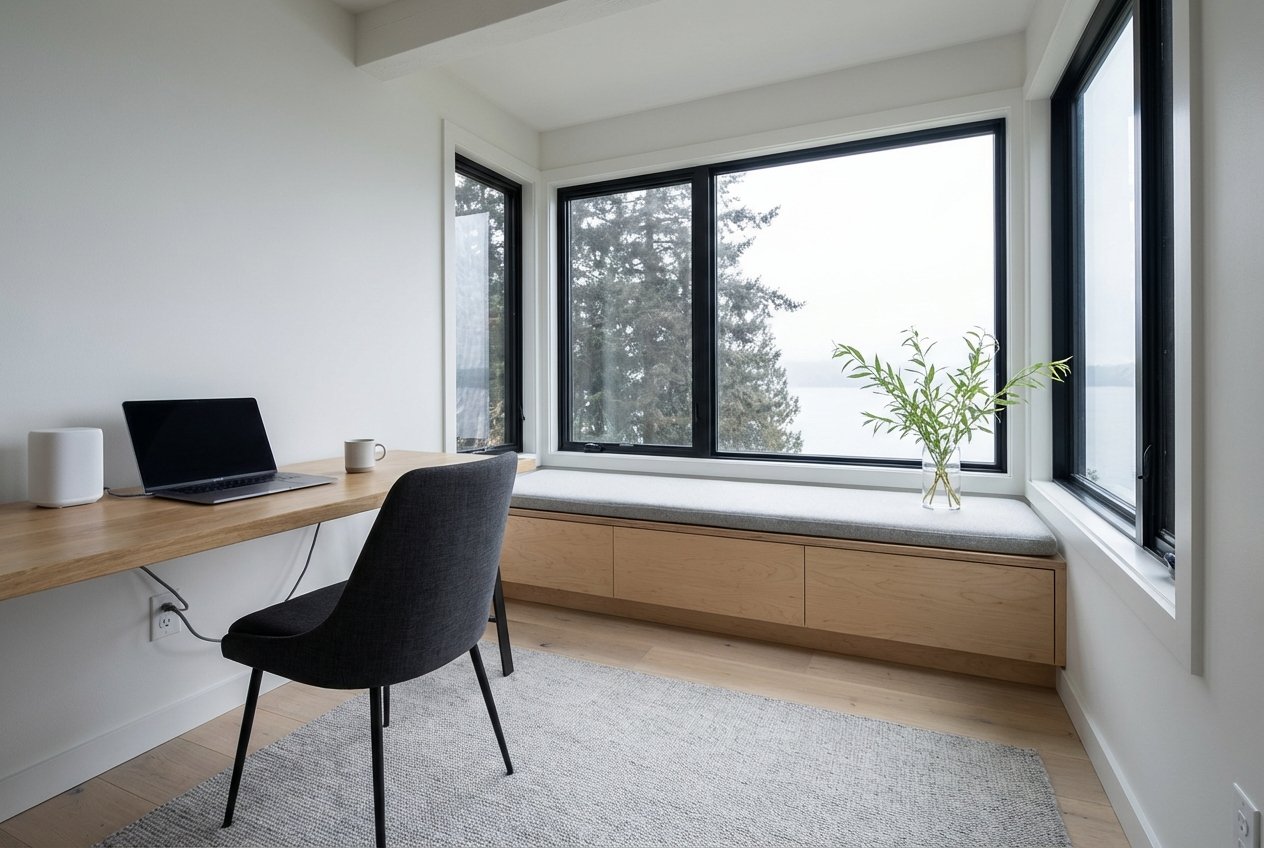
- Dedicated room with a door: Privacy and noise control matter on calls. Look for good light or add quality task lighting.
- Office location: Consider distance from busy living areas, Wi‑Fi signal strength, and whether you can hardwire Ethernet.
- Entry and access: In winter, an office near a main entrance can be more practical for daily routines and deliveries.
Power, heat, and backup
Alaska weather rewards good planning. Ask detailed utility questions during showings.
- Electrical capacity: Check panel amperage and any recent upgrades. Make sure there’s room for office gear, a hot tub, workshop tools, or an EV charger if you plan for one.
- Backup power: Outages can happen. Many homes use a generator for longer events and a UPS for routers and phones. You can also check with Homer Electric Association for reliability context and interconnection details if you plan to add equipment.
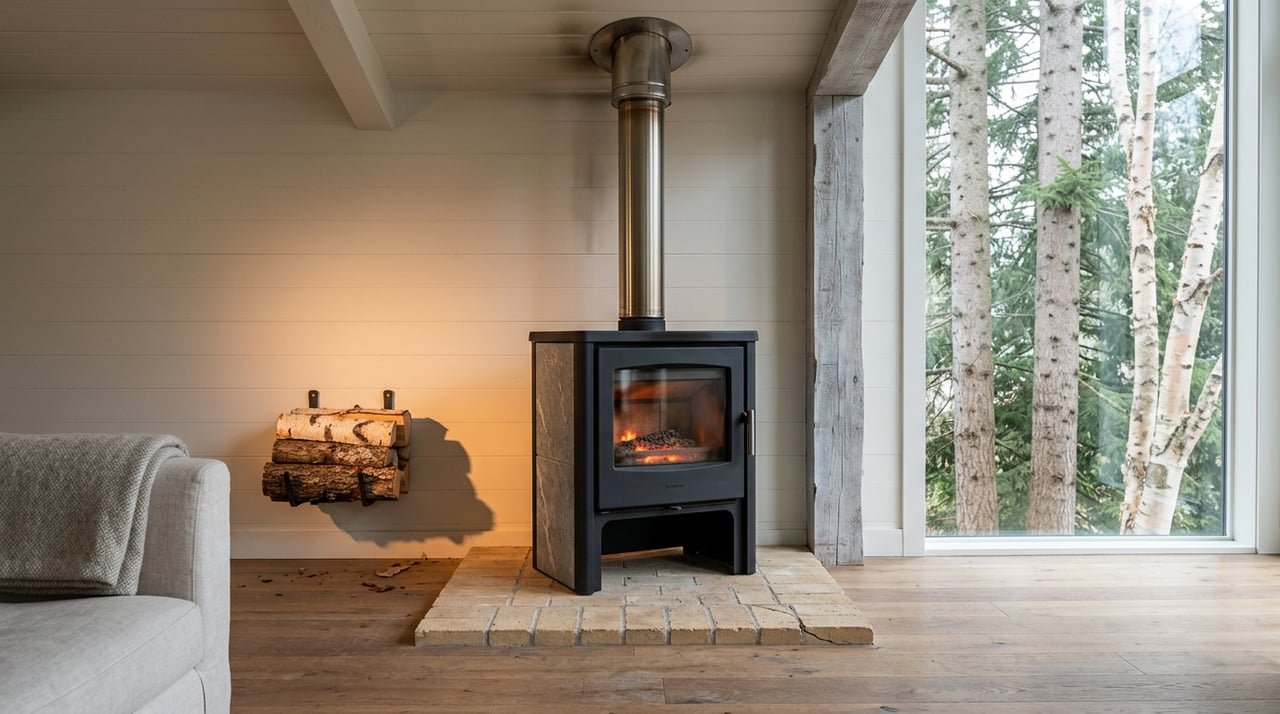
- Heating fuels and costs: Homes may heat with oil, propane, electric, or wood/pellet stoves. Ask for the last 12 months of heating bills and recent service records. The Alaska Housing Finance Corporation’s semiannual fuel data can help you benchmark costs by community. See AHFC’s Fuel Price Survey.
Water, sewer, septic
Inside city limits, many properties connect to public water and sewer. Outside, wells and septic systems are common.
- Confirm which system the property uses and request maintenance records.
- If on city services, review the City of Homer’s Public Works page for utility details and connection guidance.
- For wells and septic, plan for independent inspections, water-quality tests, and review of permits.
Insulation and moisture
In a maritime climate, a tight, dry building envelope is key.
- Ask about insulation levels, double-pane windows, and whether there is a continuous vapor barrier.
- Have the roof inspected for age and potential ice dam issues.
- If the home feels drafty during a showing, budget for weatherization upgrades.
Access and logistics
How you get to and from Homer affects daily life and emergency planning.
Road and ferry timing
- Driving: The trip from Anchorage is about 220 to 225 miles and usually takes 4.5 to 5 hours under normal conditions on the Seward and Sterling Highways. Winter can add time. Check the route overview at Anchorage to Homer.
- Ferry: Homer is a southwest Alaska Marine Highway port with routes that include Kodiak and Seldovia. Schedules change seasonally and can shift with vessel maintenance. Verify current routes on the Alaska Marine Highway System.
- Air: Regional commuter flights connect Homer to Anchorage and other hubs. Confirm current schedules if you will rely on frequent air travel.
Seasonal rhythm and moves
Homer’s population and visitor traffic expand in summer, which often means longer retail hours and more service crews on the ground. If you can, schedule moves, installations, and site work when providers are most available and the weather is friendliest. In winter, plan for plowing, daylight windows for deliveries, and flexible buffer time for storms.
Hazards and due diligence
Homer’s beauty comes with coastal realities. Build hazard checks into your offer timeline.
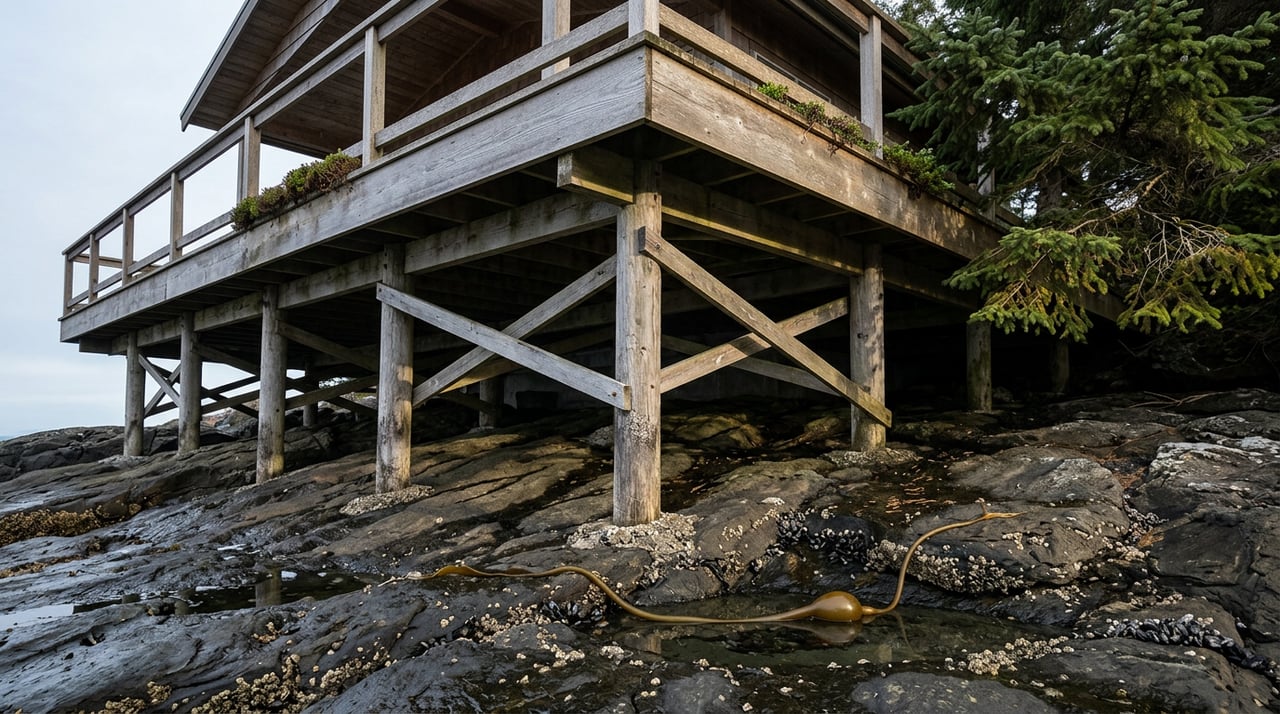
- Tsunami and coastal inundation: Low-lying areas downtown and the Homer Spit are identified in Alaska DGGS tsunami modeling. Review parcel elevation and evacuation routes using the DGGS Homer inundation map.
- Flooding and erosion: Shoreline and low-elevation lots can face coastal flooding. Confirm lot elevation and long-term exposure with public-works and DGGS resources.
- Ground stability: Widespread permafrost is less likely here, but steep slopes and drainage matter on hillsides. The city’s facts and figures page is a helpful starting point, and a local inspection is essential.
- Zoning and short-term rentals: Rules are set at the city and borough levels. If you plan any rental or business activity, consult city code and finance pages for current limits and permits.
Buyer checklist to print
Use this quick list at showings and when you request disclosures.
Internet and providers
- Which ISPs will provision this address? Any active cable or fiber drop? First-pass check on the BroadbandMap Homer page.
- Seller-provided, wired speed-test screenshot from inside the home.
- Network readiness: modem/router location, Ethernet runs to office, Wi‑Fi coverage.
- Backup options: Starlink line of sight, cellular signal, UPS for modem/router.
Utilities and comfort
- Heating system type, last service date, and recent 12‑month heating bills. Use AHFC’s Fuel Price Survey to benchmark.
- Electrical panel rating and open breaker space. Ask about generator setup and transfer switch.
- Water/sewer: On city utilities or well/septic? Review records and the city’s Public Works guidance.
Site and safety
- Property elevation and tsunami exposure. Verify on the DGGS Homer inundation map.
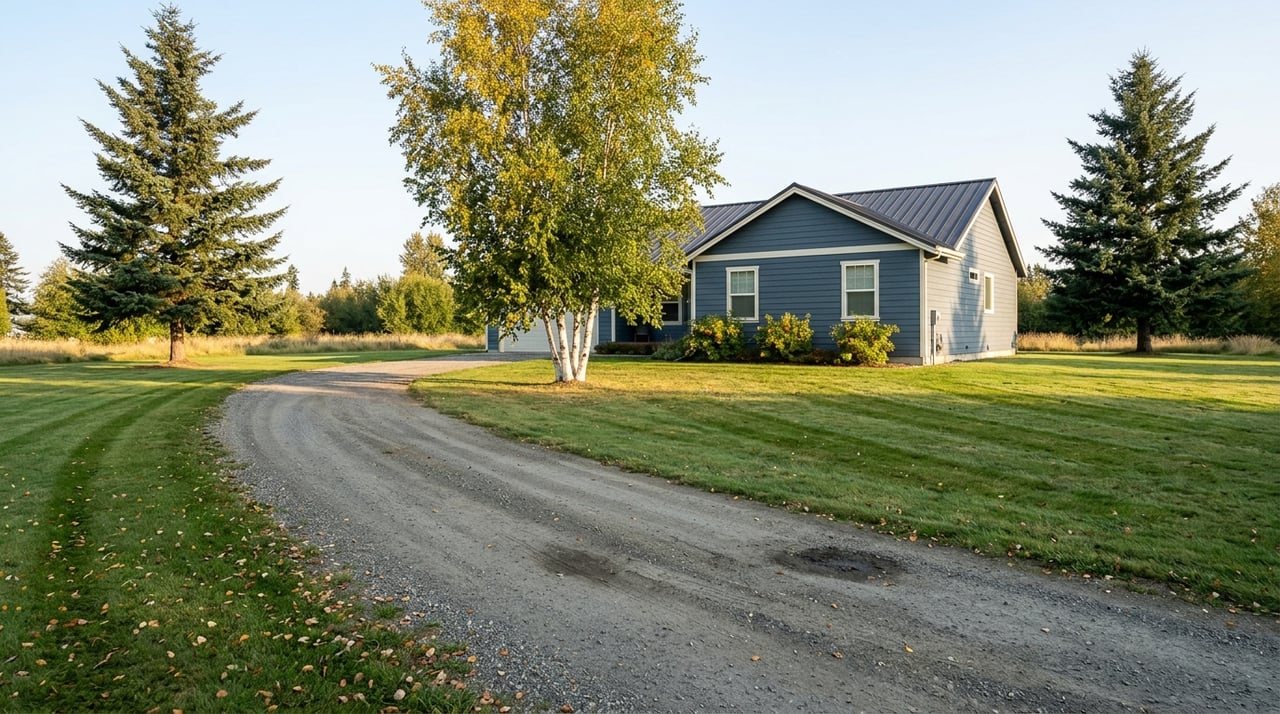
- Driveway grade and winter plow plan. Who is responsible and what is the cost?
- Estimated drive time to groceries and services; confirm delivery options.
Taxes and rules
- City and borough taxes, payment cycles, and any special assessments. Start with the City of Homer’s finance pages for current information.
Timeline tips for movers
- Start internet verification early. If you need a new drop or plan to install Starlink, get on the calendar before closing.
- Order a home inspection with a focus on envelope performance, roof condition, and utility systems.
- If you are moving in winter, line up plow service and ask for the seller’s recent utility costs to estimate your first-season budget.
- For ferry moves or large freight, confirm routes and schedules before you set firm dates. Always have a backup plan.
Ready to find a Homer home that actually works for your work? We can help you prioritize the right listings, verify key details with sellers, and coordinate the logistics that matter when you are buying from out of state. Connect with the Buss & Turkington Real Estate Team to start a plan that fits your timeline and your job.
FAQs
What internet speeds can I expect in Homer for remote work?
- In town, wired plans from GCI can be fast where available. Outside town, many buyers rely on Starlink, fixed wireless, or cellular. Always request a wired, in-home speed test and check the BroadbandMap Homer page to see providers by address.
How do I check if a Homer property is in a tsunami zone?
- Use the Alaska DGGS Homer inundation map to review parcel elevation and modeled exposure, and plan evacuation routes. Start here: DGGS Homer inundation map.
What heating systems are common and how do I estimate costs?
- Oil, propane, electric, and wood or pellet stoves are all common. Ask for the past year of heating bills and unit prices. Compare with AHFC’s community data in the Fuel Price Survey.
How long is the drive from Anchorage to Homer, and what about winter travel?
- It is roughly 220 to 225 miles and usually 4.5 to 5 hours in normal conditions on the Seward and Sterling Highways. Winter can add time, so carry an emergency kit and plan flexible windows. See the route overview at Anchorage to Homer.
What are my options if a property does not have cable internet?
- Many buyers use Starlink as a primary or backup. Fixed wireless can be strong with clear line of sight, and cellular home internet may work in some areas. Plan for redundancy and verify actual performance at the property.
Are most homes on city water and sewer in Homer?
- Many properties inside city limits connect to public systems, while homes outside town commonly use wells and septic. Confirm which system serves the property and review records. The city’s Public Works page outlines utility information and connections.